About StageNow
From plan to show
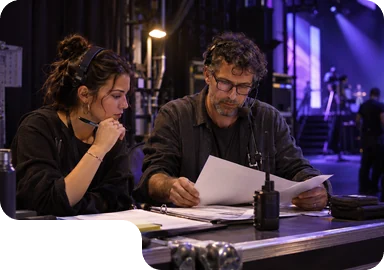
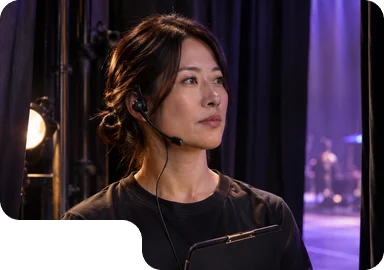
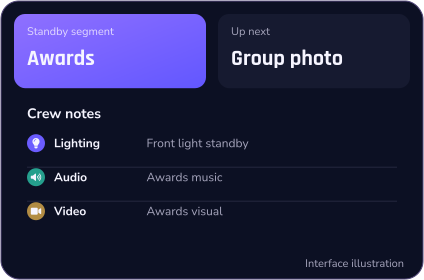
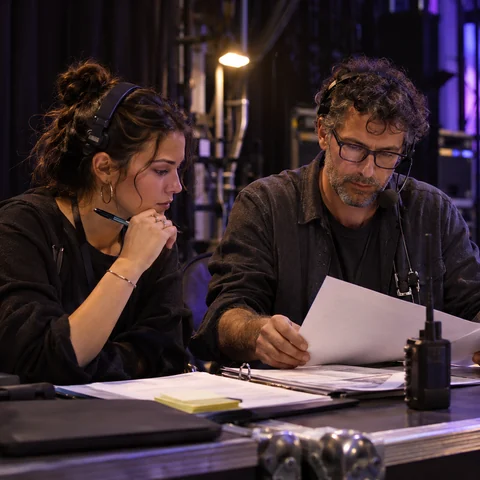
One rundown connects planning, rehearsal and showtime, with the context each crew role needs.

About StageNow
One complete rundown
Every stage of the work
Every role on the crew

The whole show
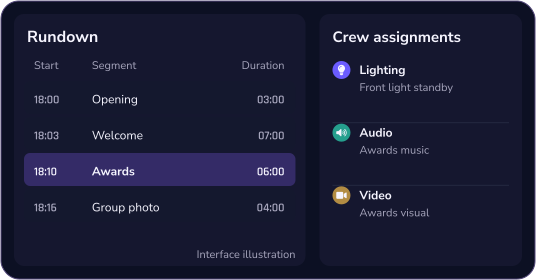
Start with the full sequence.
Then add each segment’s details.

Each crew role
Cues for backstage.
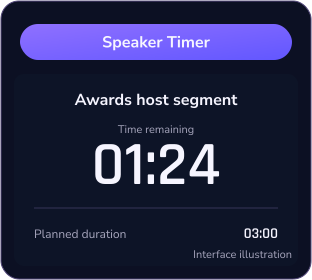
Timing for speakers.

For every role on your crew






From plan to show
Start with the plan
Carry it through live

Plan the rundown
Set out the running order, timings, scripts and crew responsibilities.
01

Rehearse the handoffs
Check timings, cues and crew handoffs in rehearsal. Note what needs to change.
02

Run the show
Follow the agreed rundown, with clear backstage actions and speaker timings.
03


Role focus
Different roles
Clear responsibilities





Rundown
 Rundown
Plan & rehearse
Backstage workflow
Speaker timing
Rundown
Plan & rehearse
Backstage workflow
Speaker timing
FAQ
Explore the product
Then discuss your show


-
What is StageNow for?
StageNow is built around the complete run of show, connecting planning, rehearsal, live production and crew execution.
-
Who is StageNow for?
Directors, show callers, stage managers, speakers, hosts, and lighting, audio, video and stage crews. Start with the information your role needs.
-
How do Cue and Timer differ?
Cue is for backstage execution: the instructions and prompts around each segment. Timer is for speakers and hosts: clear time information to support their delivery.
-
Which features are available?
The website uses interface illustrations to explain the workflow. Contact us to confirm the features, devices and conditions that apply to your event.
-
What should I prepare before contacting you?
A sample rundown without confidential details is a useful start. Include the crew roles, rehearsal plan, timing requirements and the main problem you want to solve.