
Rundown guide
Run of show
Bring order, timing, scripts and crew tasks together from planning to showtime.
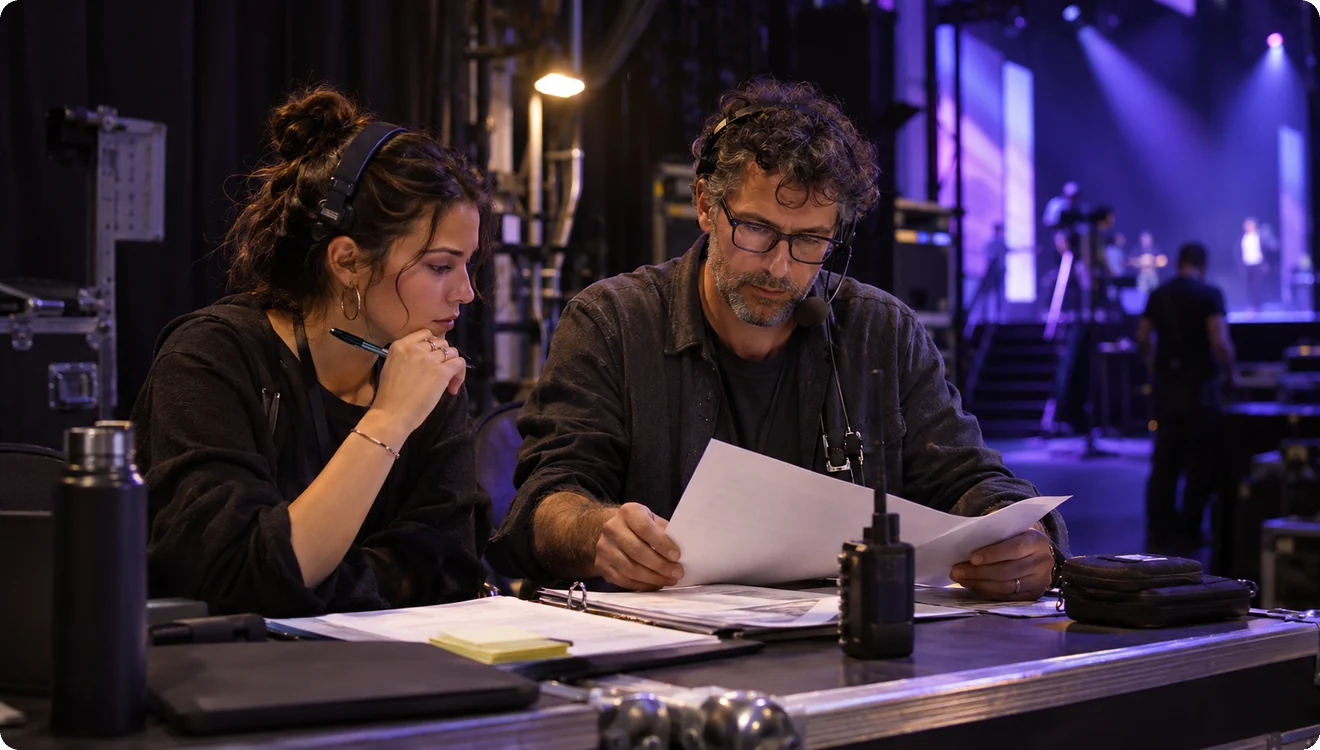
Six questions for a clearer rundown
A rundown should first make the whole event easy to follow. List segments in running order, with a name, planned timing, participants and required materials. Add the context each segment needs. Technical transitions need clear actions and handoffs; speeches and host links need content and timing. A list of programme titles alone does not give the crew a complete plan.

Start with segments, roles and scripts
Link crew actions to the relevant segment, and keep the host script separate from backstage instructions. Lighting, audio, video and stage crews need clear actions. Hosts need readable content and context for the next transition. Each role may need a different level of detail, but that detail should still connect to the same segment.
- Segments: sequence, timing and context
- Roles: actions, preparation and handoffs
- Scripts: spoken content, separate from crew cues
 Segments: sequence, timing and context
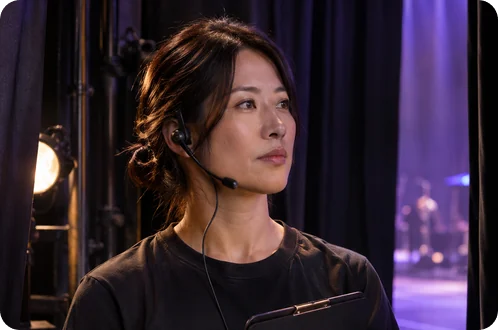

Rehearse, revise and keep time clear
In rehearsal, check durations, entrances, exits and crew handoffs. Attach each issue to its segment and identify the change, the person responsible for confirming it, and any effect on later timings. During a live show, a change also needs a clear scope. “It changed earlier” does not tell the crew what to do next.
Speakers and hosts need time information they can read at a glance. Timer supports their delivery; backstage Cue supports execution. This guide explains working methods and product roles. Confirm available features, devices and operating conditions against the current product information.

Describe the issue clearly
Crew notes
Rundown practiceDescribe where the issue occurs, which roles it involves and how the handoff should work. Use the form below to share a specific question. Your message is for the discussion and will not appear as a public comment.
Ask a rundown question