
Crew workflow
One show.
Connect scripts, backstage cues and speaker timing through one rundown. Interface illustrations.
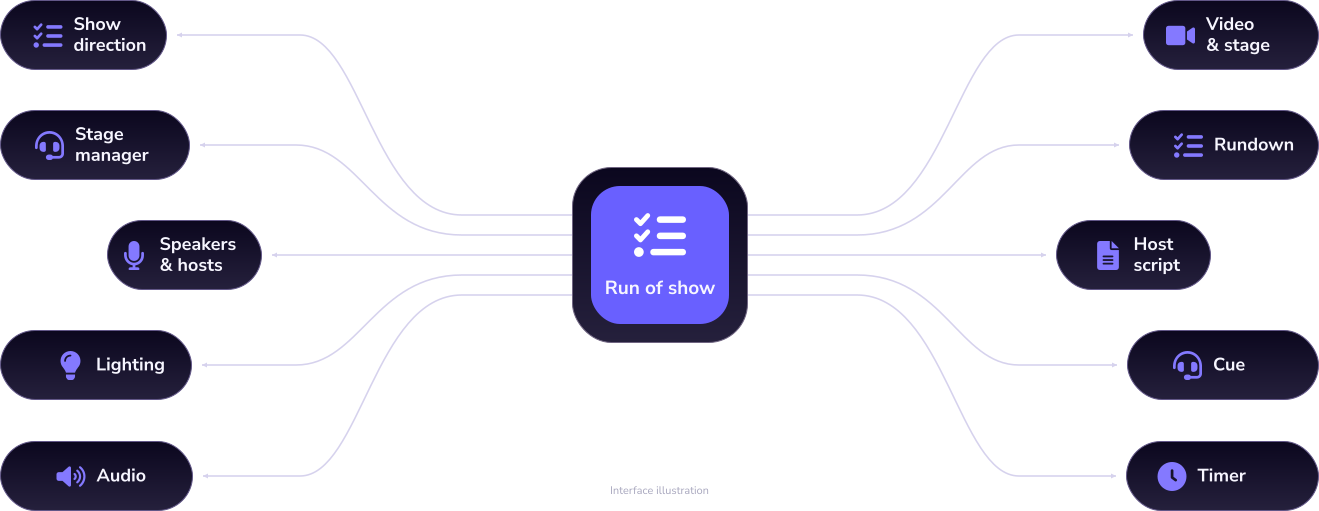
Rundown
 Rundown
Plan & rehearse
Backstage workflow
Speaker timing
Rundown
Plan & rehearse
Backstage workflow
Speaker timing
FAQ
Explore the product
Then discuss your show


-
What does “connected workflow” mean here?
It describes how the rundown, host script, backstage information and speaker timing relate. It does not confirm a connection to external software or hardware.
-
Can I use my existing tools with StageNow?
Share the tool name, version and what you need it to do. Check the current product information for the supported scope.
-
Does Cue control equipment?
Cue is positioned around backstage instructions and prompts. Any equipment control requires separate confirmation of the feature and supported devices.
-
Is Timer intended for the audience?
Timer is primarily for speakers and hosts. Confirm the display position, content and supported devices for your event and product version.
-
How should I describe our current workflow?
Describe the rundown, scripts, timing tools and crew responsibilities you use today. Point out repeated work or difficult handoffs, using a sample without confidential details.